Download operating system
for your personal computer.
 Display all






Kali Linux 2019.4 (Nov, 2019) Desktop 32-bit, 64-bit ISO Disk Image Free Download
Old Version
- OS Version: Kali Linux
- OS Distribution: Kali Linux
- OS Family: Linux
- Developers: Offensive Security
Description
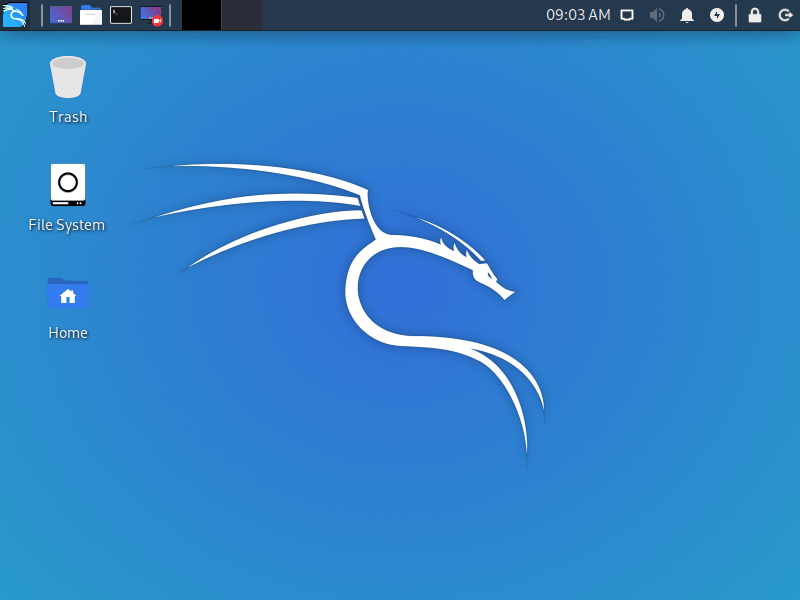
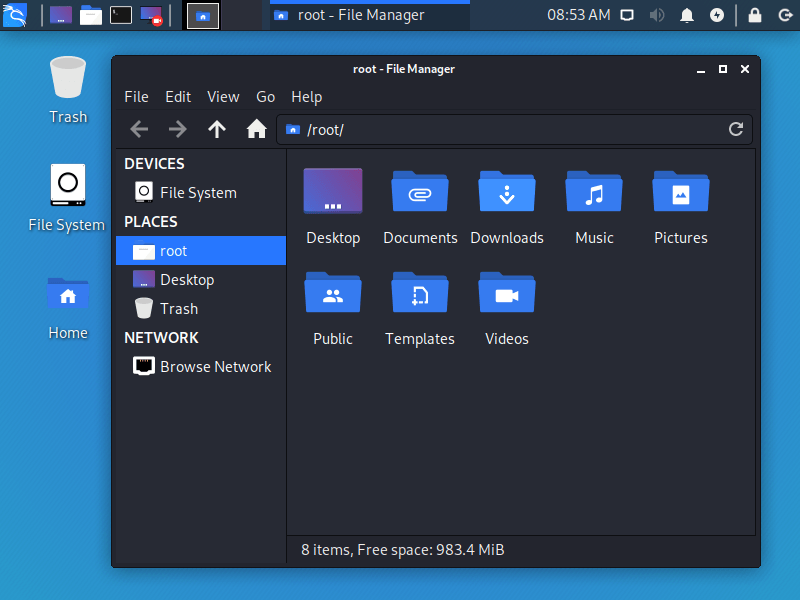
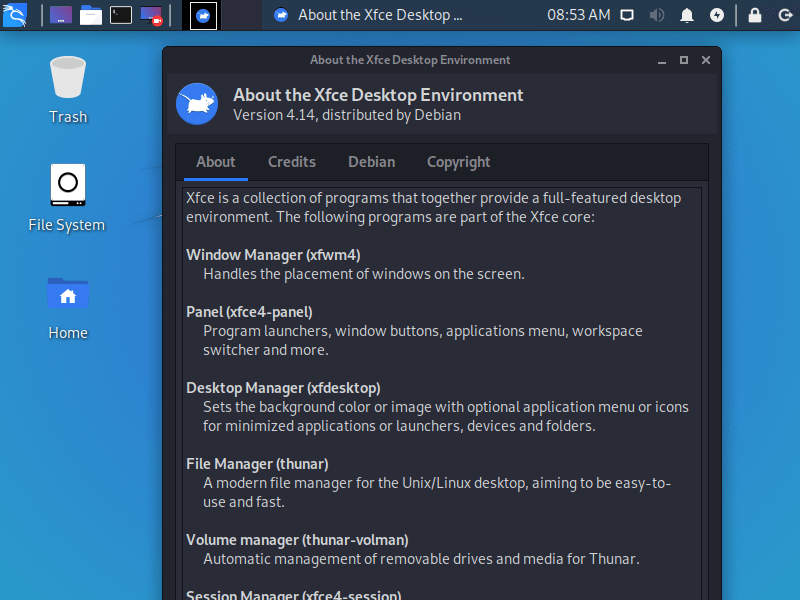
Kali Linux 2019.4 was released on November 26, 2019, it was preceded by version 2019.3 and was available for desktop / laptop computers. It is available to install 32-bit (x86) and 64-bit (x86-64) versions, and the choice of various desktop environments such as KDE, LXDE and MATE is available in different ISO image files. XFCE is the default desktop environment. Compared to previous releases, this Kali Linux version includes some new features / updates, such as Kernel version 5.3.9, default desktop environment changes to Xfce, new GTK3 theme for Gnome and Xfce environment, Kali Undercover mode, PowerShell, common bug fixes and some updates.
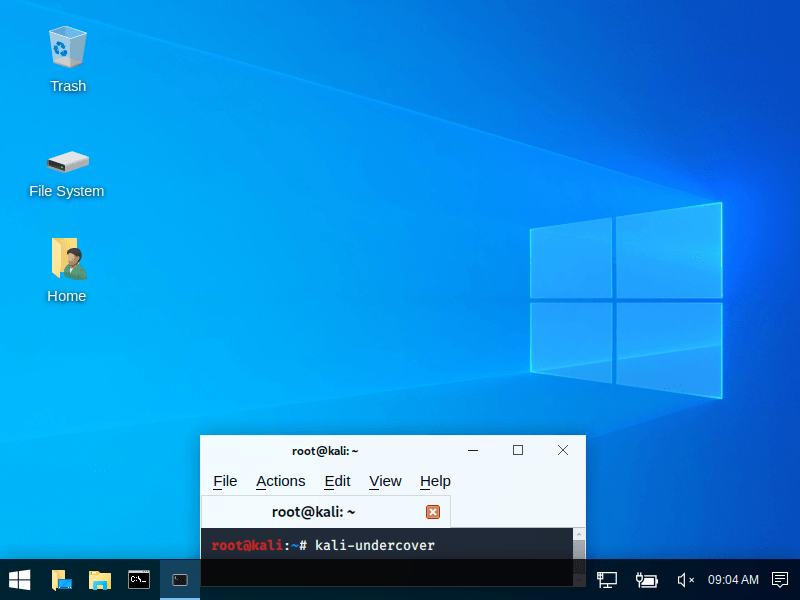
Kali undercover mode changes your Kali theme to the Windows 10 theme and interface. To activate undercover mode, type 'kali-undercover' in the Terminal and press Enter. The same command will be used to restore the Kali desktop.
General information from Kali Linux
Kali Linux is a free and open source Linux operating system specially designed for penetration testing (computer system security) using a wide range of available security tools. According to the Kali Linux tools directory, there are hundreds of pre-installed security tools in the operating system that allows attacking any computer system, gathering information, forensics, reverse engineering, crack passwords, snifting and snipfing etc. As soon as you launch a tool, you do not need you to write a custom program and programming code to attack, you can read the instructions in the terminal window and type the command. Most tools in Kali Linux work through the command line, while some of them also have graphical user interfaces such as Wireshark, Burp suite and Armitage.
Specification
| Available in | 35+ languages |
| CPU Platform(s) | IA-32, x86-64, ARM |
| License | Free and open-source software |
System requirements
Minimum:
- 32-bit (IA-32) processor or higher.
- 20 GB disk space.
- 1 GB RAM.
- CD/DVD drive or a USB Drive.
- Internet connectivity (optional).
Installation instructions
Starting installer in PC (via USB)
Follow the steps given below:
- Download the Kali Linux 2019.4 ISO image file from the download section.
- Install a USB bootable creation software (such as Rufus) on your Windows PC.
- Plug in a USB flash drive (at least 8-16 GB of space) with your PC.
- Open the USB bootable creation software, and select the ISO image file of Kali Linux 2019.4, and start the process.
- As soon as done, plug the bootable USB into a system where you want to install Kali Linux 2019.4.
- Restart the computer.
- Press the boot device menu key and select USB to boot first.
- Select USB device and start the Kali Linux 2019.4 installer.
Starting installer in VMware
- Download the Kali Linux 2019.4 ISO image file from the download section.
- Launch the VMware Player, and start creating a new virtual machine.
- Select the ISO image file of Kali Linux 2019.4, and use VM configuration according to the system requirements.
- Start the virtual machine and go to the Kali Linux 2019.4 installer.
Starting installer in VirtualBox
- Download the Kali Linux 2019.4 image file from the download section.
- Launch the Virtualbox application on your computer, and start creating a new virtual machine.
- Select Kali Linux and use VM configuration according to the system requirements.
- Start VM and when it asks to select the Host Drive, then select the downloaded Kali Linux 2019.4 ISO file in step 1.
Last step
As soon as you go to the Kali Linux boot menu, follow the steps given below:
- Select 'Graphical Install' and press Enter.
- Choose language, region, keyboard layout, etc.
- Follow the on-screen installation.
- Set the Root Password.
- For clean installation, select 'Guided - use entire disk' in the disk partition screen. (Warning - Clean installation will remove all other operating systems installed on the computer)
- Go ahead and choose 'yes' when it asks for format the partition.
- Wait while Kali Linux is installed on your computer.
- As soon as the process is complete, restart the system.
- Log in to Kali Linux and enjoy the operating system.
For more information, read the official note of the Kali Linux 2019.4.
Screenshots
Will Kali Linux 2019.4 (Nov, 2019) Desktop 32-bit, 64-bit ISO Disk Image Free Download run on your computer?
Tell us your hardware — get the operating systems, home-server apps, and local AI that fit your machine.