Download operating system
for your personal computer.
 Display all






Fedora 31 (October, 2019) Workstation 64-bit Official ISO Disk Image Download
Description
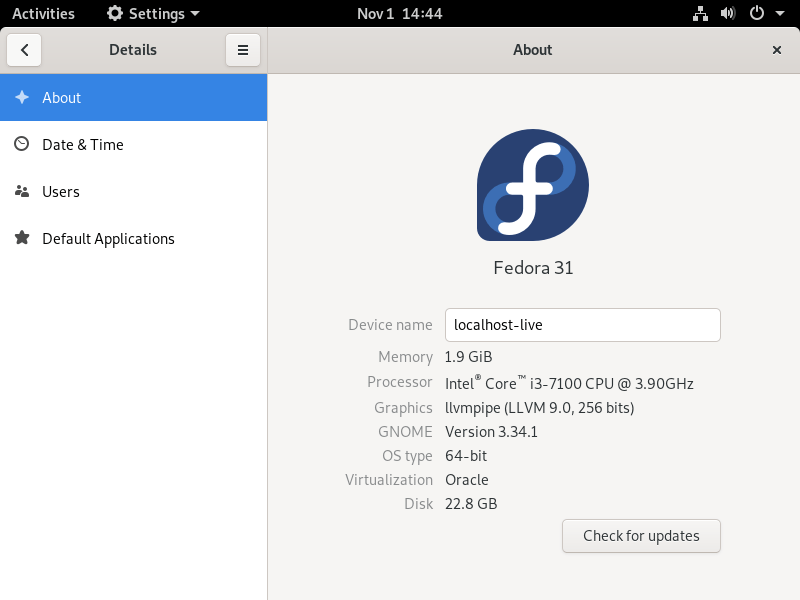
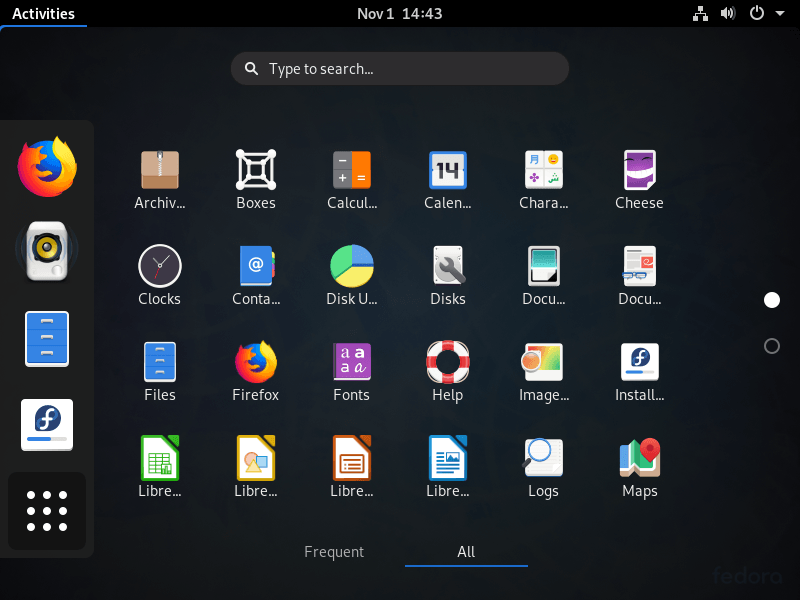
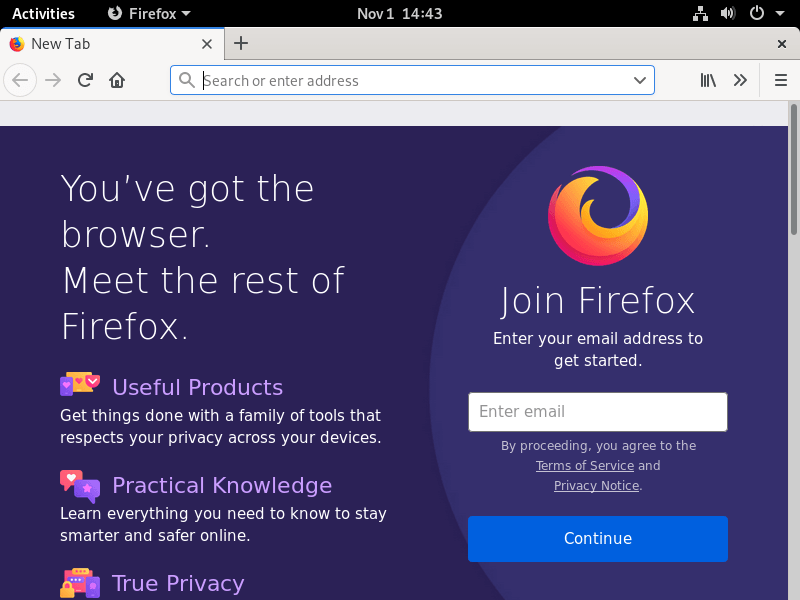
Fedora 31 was released on October 29, 2019, it was preceded by version 30, and was designed for desktop / laptop computers, and servers. Only the 64-bit version is available for Fedora 31. Compared to the previous Fedora release, this version includes some new updates and features, such as Xfce 4.14, GNOME 3.34, GNU C Library version 2.30, Gawk 5.0.1, RPM 4.15.0, Golang 1.13, Perl 5.30, Noto font family switch to use variable version by default, Firefox now natively runs on Gnome Wayland session, redesigned background selector, creating custom application folders in overview, stopping creation of i686 kernel, etc.
From version 31 onwards, Fedora dropped support for the 32-bit platform.
General information from Fedora
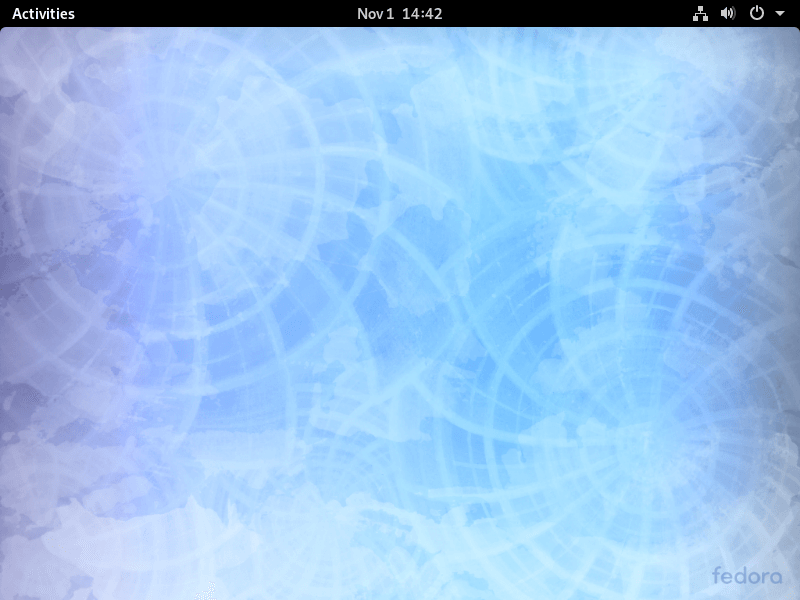
Fedora is a free and open source Linux operating system (or distribution) that has been developed by contributions from community members and Red Hat. Fedora was designed for personal computers and servers, and is currently available in three different editions, which are for Workstation (for personal computer), Server (for servers), and Atomic (for cloud computing). GNOME is currently the default desktop environment for the operating system, and the GNOME Shell is the default user interface. There are more other desktop environments supported in Fedora, such as Cinnamon, Xfce, and MATE. Like other Linux distributions, Fedora is bundled with many general software applications such as Firefox Browser, LibreOffice, Media Player etc.
Specification
| Available in | 35+ languages |
| CPU Platform(s) | X86-64 |
| License | Free and open-source software |
System requirements
Minimum:
- 1GHz processor or faster.
- 10 GB of hard disk space.
- 1 GB of RAM.
Installation Instructions
Follow the steps given below:
- Download the Fedora 31 ISO image file from the download section.
- Install a USB bootable creation software (such as Rufus) on your Windows PC.
- Plug in a USB flash drive (at least 4 GB of free space available) with your PC.
- Open the USB bootable creation software, and select the ISO image file of Fedora 31, and start the process.
- As soon as done, plug the bootable USB into a system where you want to install Fedora 31.
- Restart the target computer.
- Press the boot device menu key and select USB to boot first.
- Select USB device and start the Fedora 31 installer.
Starting installer in VMware
- Download the Fedora 31 ISO image file from the download section.
- Launch the VMware Player, and start creating a new virtual machine.
- Select the ISO image file of Fedora 31, and use the default settings for the virtual machine.
- Start the virtual machine and go to the Fedora 31 installer.
Starting installer in VirtualBox
- Download the Fedora 31 ISO image file from the download section.
- Launch the Virtualbox application on your computer, and start creating a new virtual machine.
- Select Ubuntu and use defualt settings for the virtual machine.
- Start VM and when it asks to select the Host Drive, then select the downloaded Fedora 31 ISO file in step 1.
Last step
As soon as you go to the Fedora Welcome Screen, follow the steps given below:
- Proceed on the welcome screen.
- Accept the license agreement, and proceed.
- Configure firewall, date / time, etc.
- Create root user.
- Follow on-screen instructions, and complete the installation.
- Log in to Fedora using your username and password.
- Do not forget to remove the installation medium from the computer (for example, USB, CD / DVD).
For more information, read the official document of Fedora 31.
Screenshots
Will Fedora 31 (October, 2019) Workstation 64-bit Official ISO Disk Image Download run on your computer?
Tell us your hardware — get the operating systems, home-server apps, and local AI that fit your machine.